Next: Very simple, display some Up: Graphics within the same Previous: Graphics within the same Contents Index
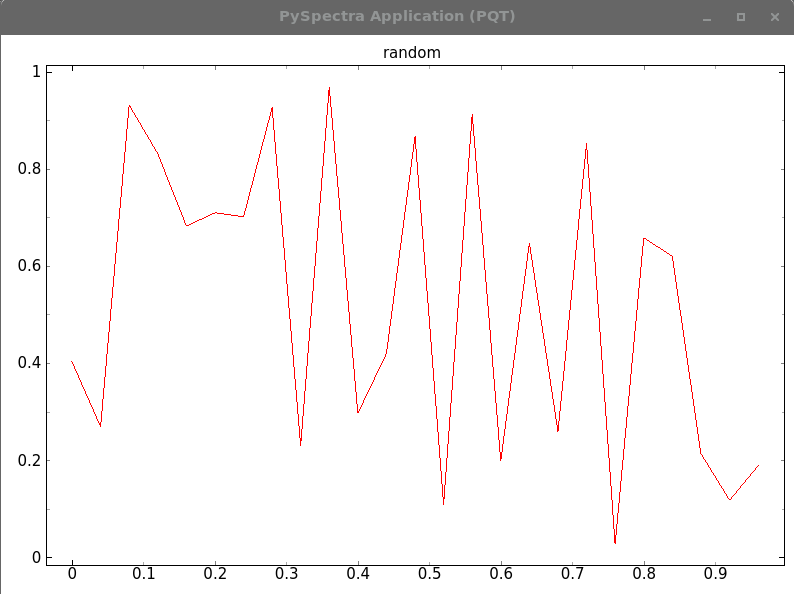
The following piece of codes opens a graphical window and displays some data. It does not launch the PySpectra main widget, see 7.1.1.
#!/usr/bin/env python3
#
# example code for displaying some data
#
# PySpectra.Scan? tells you more about the graphical parameters
#
import PySpectra, HasyUtils, time, random

def main():
    MAX = 25
    pos = [float(n)/MAX for n in range( MAX)]
    rd = [random.random() for n in range( MAX)]

    PySpectra.Scan( name = 'random', x = pos, y = rd)

    PySpectra.display()

    print( "Press <space> to quit")
    while 1:
        PySpectra.processEvents()
        key = HasyUtils.inkey()
        if key == 32:
            return
        time.sleep( 0.1)

    return

if __name__ == "__main__":
    main()